4 min read
Publish Bullhorn Jobs to Your Website Automatically.
Every manual step between Bullhorn and your website is a place where candidates get lost. The Achieve Sync Engine eliminates all of them.
Your Bullhorn Jobs Should Appear on Your Website Automatically.
Ask any recruiter how their job postings get from Bullhorn onto the company website and you'll get one of two answers. Neither is good.
The Manual Workflow Is Quietly Costing You
-
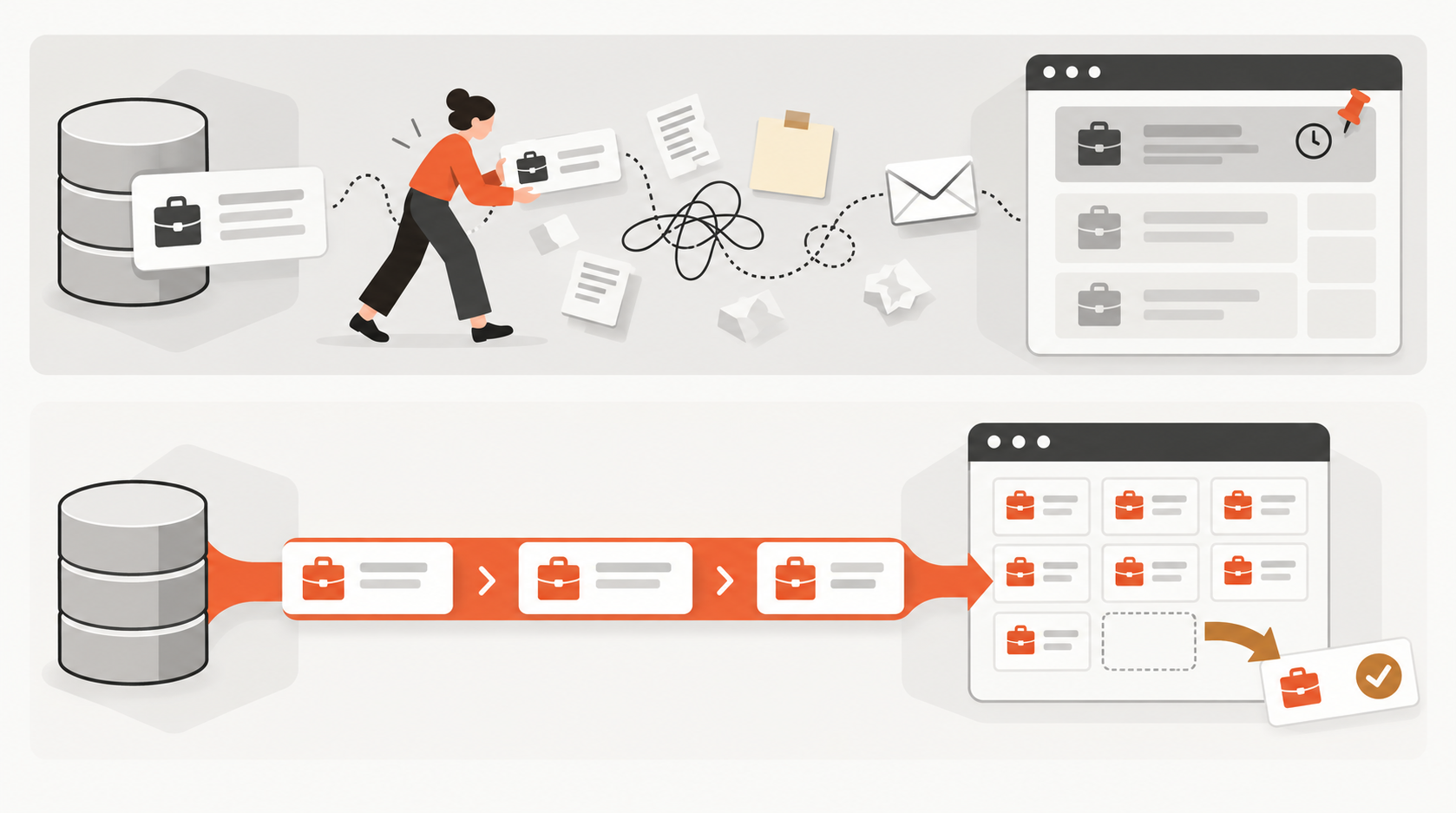
the recruiter does it themselves. They open Bullhorn, copy the job description, and paste it into whatever CMS the website runs on. Except the formatting is a mess. Bullhorn's HTML is full of inline styles, nested tags, and leftover styling that looks nothing like the rest of the site. So they strip it out and reformat it by hand. Then they fill in the job title, department, location, salary range, and whatever other fields the website template requires. Then they repeat this for the next open position.
-
the recruiter emails someone else and asks them to post it. Now there's a delay. Hours, sometimes days. Details get transcribed wrong. Sometimes the request gets lost entirely and the job never gets posted.
The reverse problem is just as bad. A role gets filled in Bullhorn. Everyone moves on. But nobody told the website person to take it down. The listing stays live for weeks. Candidates apply to a job that's already closed, waste their time, and walk away with a worse impression of your agency.
Every manual step between Bullhorn and your website is a place where candidates get lost.
The Same Workflow, Without the Friction
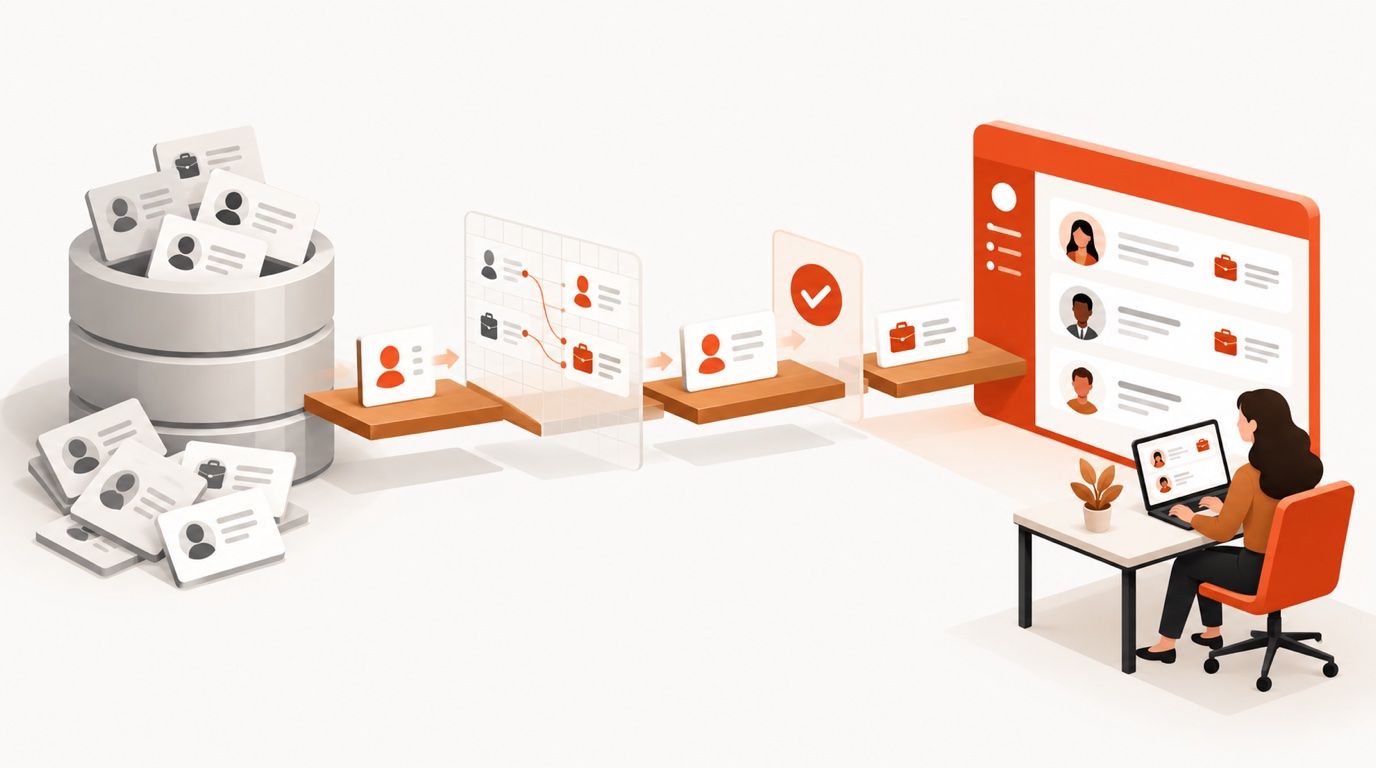
With the Achieve Sync Engine, the recruiter marks a job live in Bullhorn and it appears on the website within seconds. That's it. That's the workflow.
The job inherits your website's design. The listing uses your site's fonts, colors, navigation, and layout. It looks like it was built for your site, because it was. This is a real difference from career portals that give you a handful of color picker options and limited layout control. Jobs feel native to your site because they are.
Candidates apply from your website. The entire application flow happens on your domain. Candidates fill in their information and upload their resume, and that application lands directly in Bullhorn, attached to the right job record. No CSV exports, no copy-paste, no middleware. The default parser handles standard resume formats cleanly. For more complex situations, an advanced AI parser handles non-standard layouts, extracts structured data accurately, and can even reformat content to match a consistent voice. We'll cover the resume parsing piece in depth in an upcoming post.
Closed roles disappear automatically. Close a job in Bullhorn and it's gone from your website. Not archived, not hidden behind a "position filled" banner. Gone. Your website stays current without anyone having to manage it.
The whole thing is literally in sync.
What Makes This Work
Real-Time Sync
When something changes in Bullhorn, your website reflects it immediately. No scheduled imports, no overnight batch jobs, no "it'll update by morning." The connection is live.
Works With Your Existing Website
You don't need to rebuild your site or switch platforms. The Sync Engine connects to WordPress, Webflow, Sanity, Contentful, PayloadCMS, and others on request. Your current website stays exactly as it is. We add a jobs section to it.
Clean Formatting Every Time
Job descriptions come through properly formatted to match your site's styles. No stripping inline styles, no reformatting by hand, no HTML artifacts showing up in the middle of a job description. What your recruiter writes in Bullhorn is what candidates read on your website.
Non-Destructive
The Sync Engine only manages the pages it creates. It doesn't touch your existing content, your other pages, or your CMS structure. When a job is removed, it goes to trash, not permanent deletion. Your website is safe.
No Engineering Required
Achieve handles the entire setup. No developer needed on your end, no CMS configuration to figure out, no API credentials to manage. You point us at your Bullhorn account and your website. We connect them.
Self-Hosted or Fully Managed
Two ways to run the Sync Engine, depending on how your team operates.
Self-hosted means the engine runs on your own infrastructure. Your servers, your data, your control. Good for agencies with in-house developers who want full ownership.
Fully managed means Achieve runs everything. Deployment, hosting, monitoring, updates. You connect your Bullhorn account and we handle the rest. No infrastructure to manage, no maintenance window to schedule.
Want a Standalone Career Portal Instead?
For agencies that want a standalone jobs portal rather than integrating with an existing site, the Achieve Career Portal is a separate product built for exactly that. Read about the career portal here.
Stop Managing Something a Machine Can Do
Manual job posting is the kind of work that feels productive but isn't. It takes time, introduces errors, and creates a gap between what's in your ATS and what's on your website. That gap is where candidates slip through.
Book a 15-minute call and we'll show you what the Sync Engine looks like hooked up to your Bullhorn account and your website, live.
Not ready yet? That's fine. Start keeping track of how long it takes your team to post a new job, and how often closed roles stay live by accident. When the number gets uncomfortable enough, we'll be here.